Brand Bento
Open navigation menu

Everything you need for a better brand handoff

Build a clear, client-ready online guide from the identity work you have already finished, then publish one link your client can actually use.

Create your first guide
From brand files to a live guide

A focused workflow for the final stage of brand work

Brand Bento is designed for the work that happens after the identity is approved: explaining the system, organizing the assets, and delivering it in a form clients can return to.

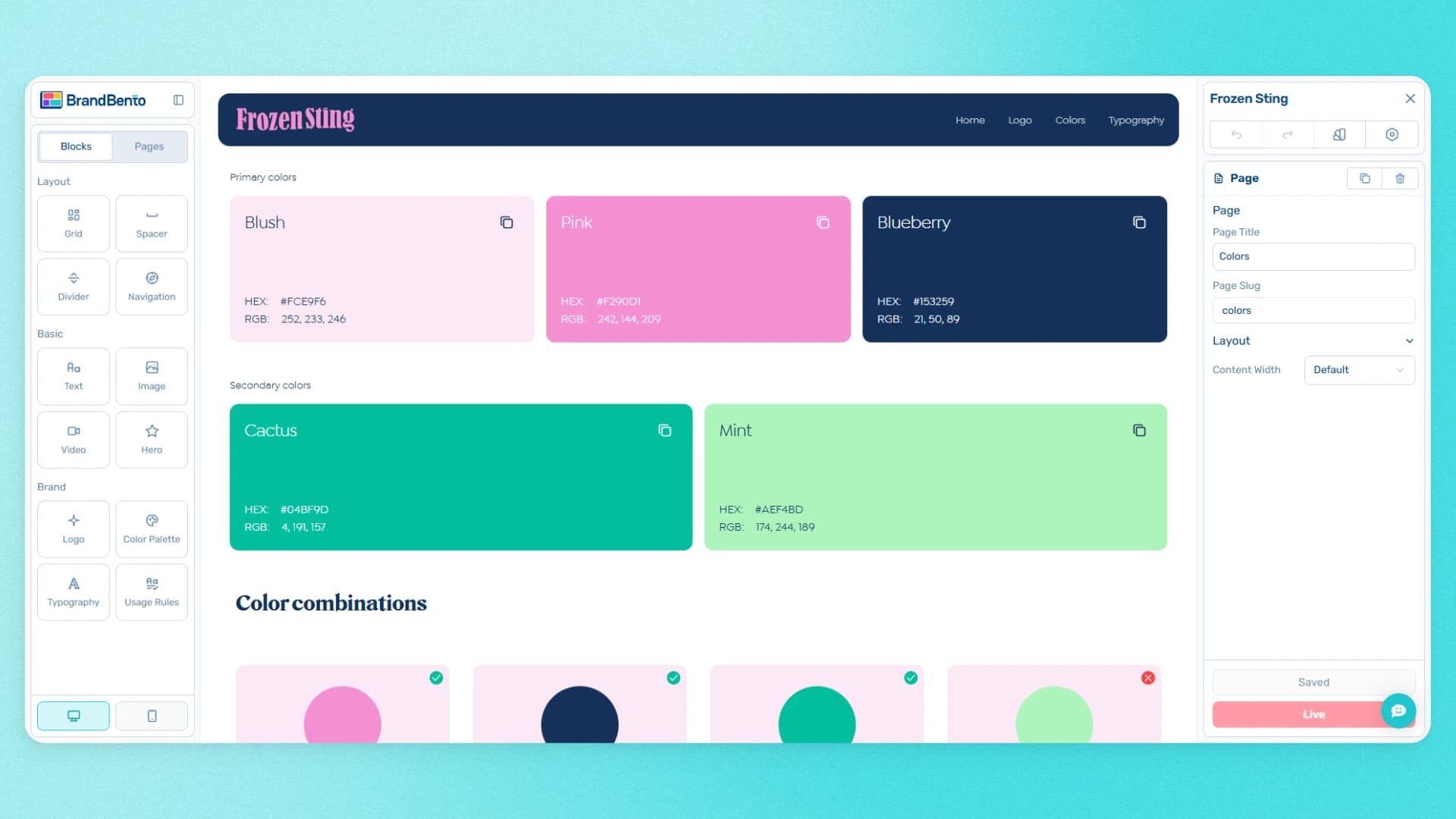
Brand Bento editor showing color palette blocks and page settings

Build the guide around the brand

Start with a guided setup, then add pages and blocks for the parts of the identity your client needs to understand, from the brand story to colors, type, and usage guidance.

  • Create complete guides with unlimited pages
  • Use core builder blocks to structure the handoff
  • Move from approved identity to an organized guide
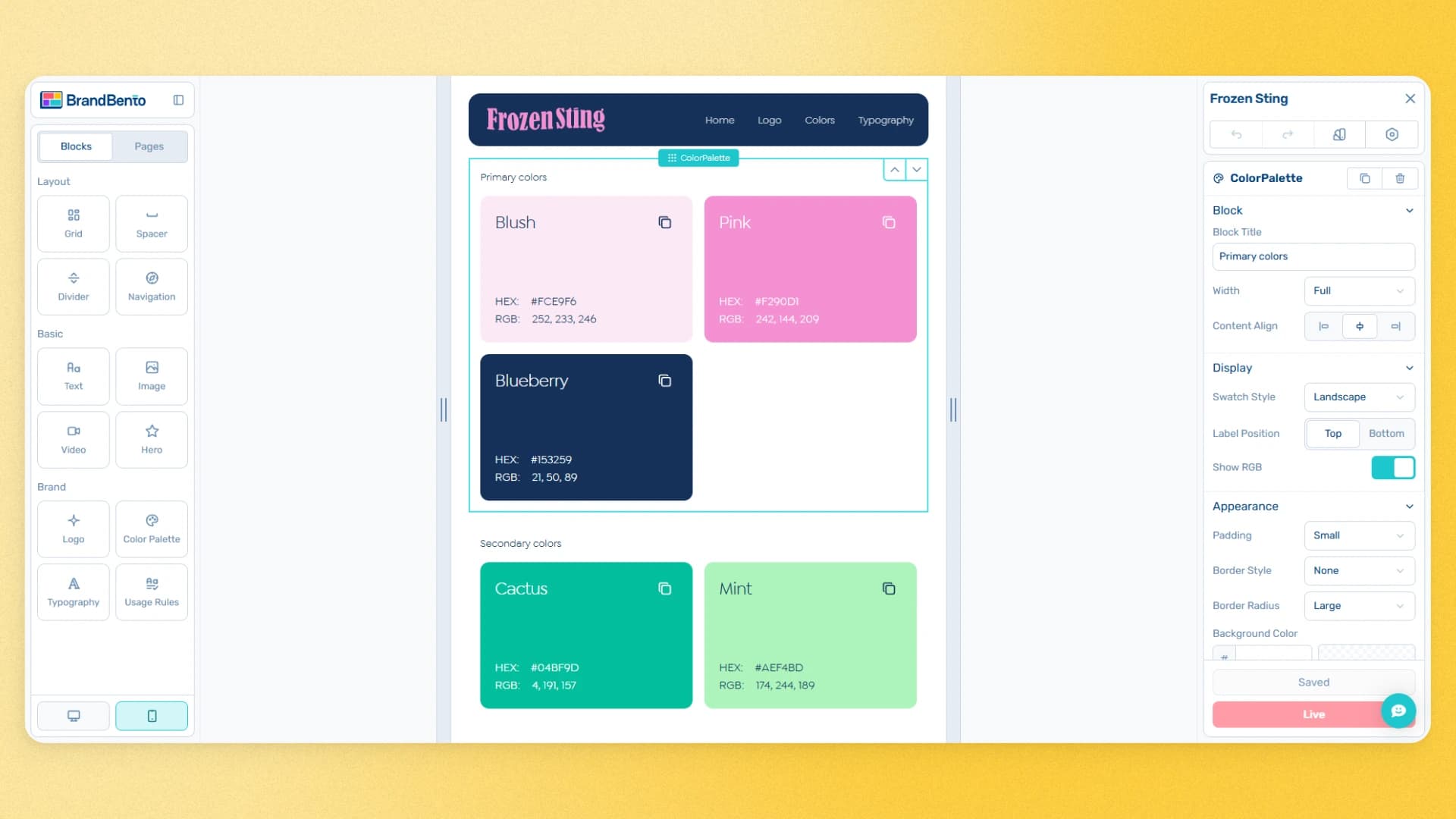
Brand Bento mobile preview of a brand color palette

See the guide before your client does

Preview your work on desktop and mobile as you build, so you can catch awkward layouts and make confident delivery decisions before you publish.

  • Check desktop and mobile presentations
  • Make changes while the project is still in progress
  • Deliver a guide that feels considered at every screen size
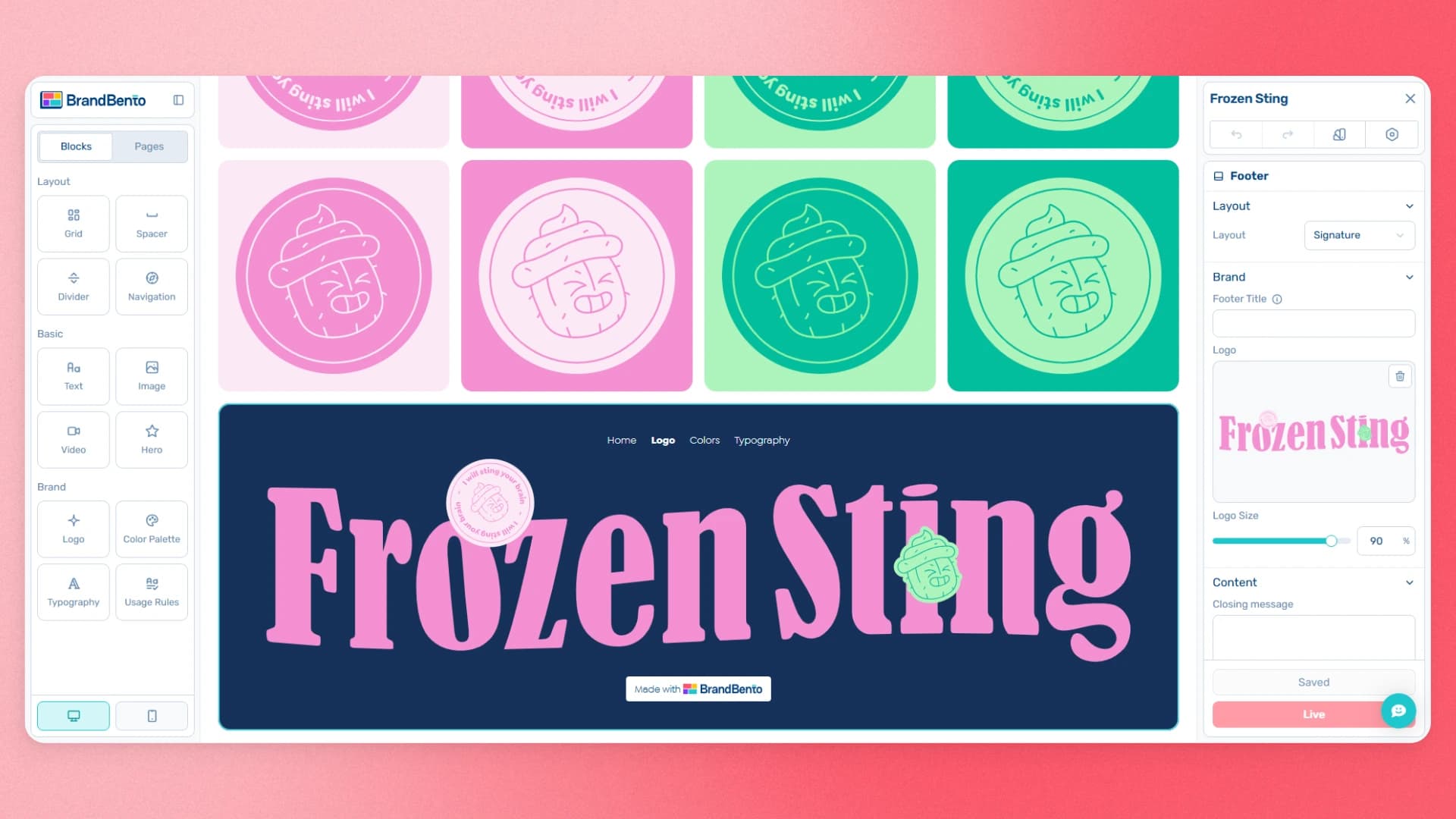
Brand Bento editor showing a custom branded footer

Make the delivery feel like your work

Customize the guide’s header, footer, and fonts so the final handoff supports the visual standard you set for the brand, not a generic portal your client has to decipher.

  • Set the presentation with custom headers and footers
  • Use fonts that fit the brand system
  • Keep the guide focused on the identity you created
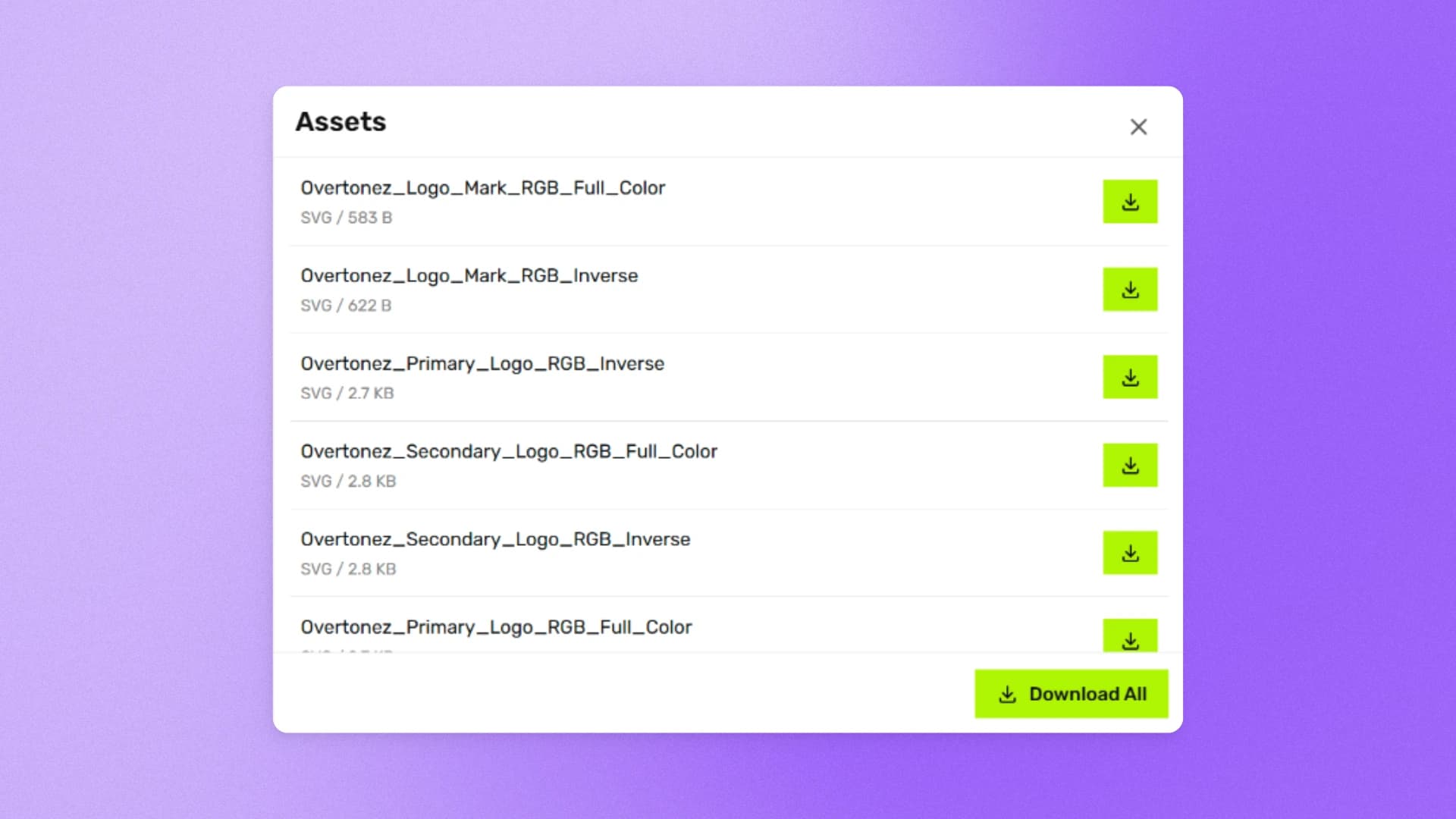
Client asset download panel within a published brand guide

Put approved assets where clients can use them

Add client asset downloads to the published guide. Clients can find the files they need beside the guidance for using them, instead of searching through folders and old messages.

  • Give clients a clear place to find approved files
  • Pair downloadable assets with the relevant guidance
  • Reduce the back-and-forth after handoff
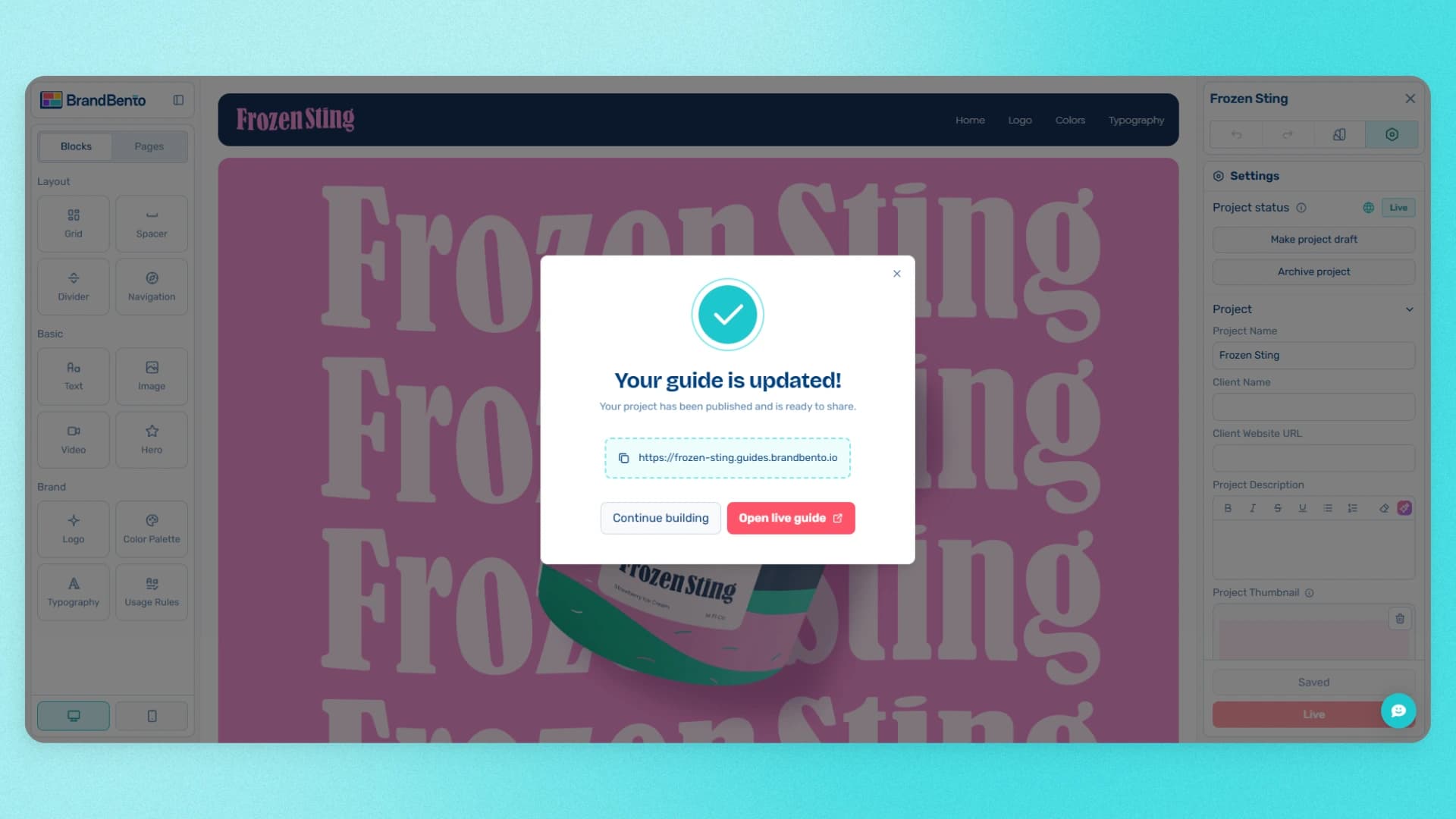
Brand Bento guide publish confirmation with a shareable link

Publish a link you are proud to send

Turn the finished guide into a shareable web link. Pro adds publishing controls for designers who need a branded, private, or search-ready client delivery experience.

  • Share a live guide instead of rebuilding a PDF
  • Use a custom domain your client can own
  • Set SEO and indexing controls for published guides
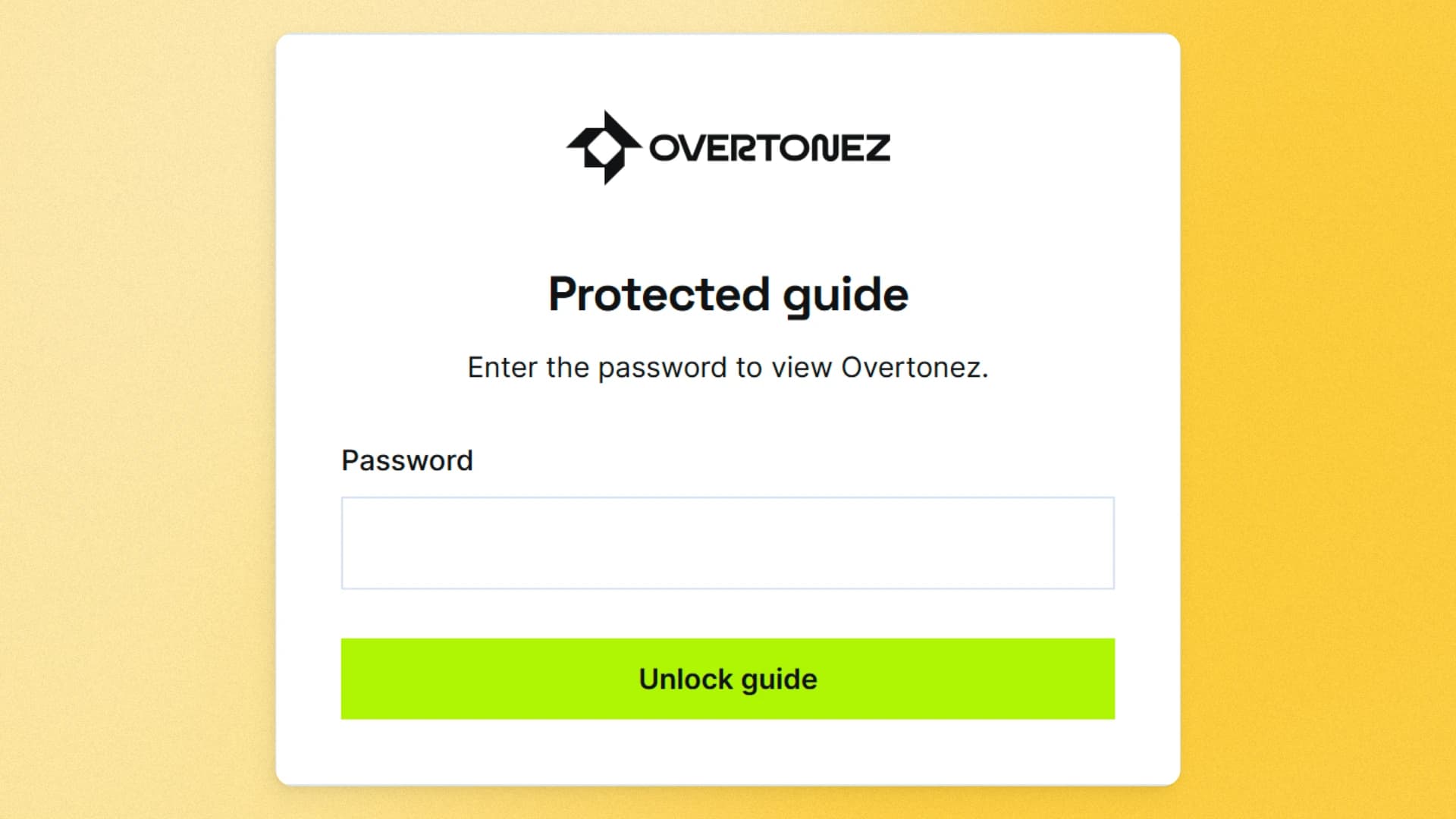
Password form protecting a published brand guide

Keep client work private when it needs to be

Not every brand guide should be open to the public. Use password protection when a client needs a controlled link for a pre-launch identity, internal team, or sensitive materials.

  • Add password protection to published guides
  • Share access with the right people without exposing the work publicly
  • Choose the delivery experience that fits the project

Make the final handoff part of the craft

Start with the identity you have already created. Build your guide, see how it will look, and publish when it is ready to share.

Start building for free